 J-Assist
by Optmyzr
J-Assist
by Optmyzr
Talk to Jira the way
you talk to Claude.
J-Assist is the Optmyzr MCP server that connects Claude to Jira. Search tickets, transition statuses, log work, attach files — in plain English, with your permissions and a full audit trail.
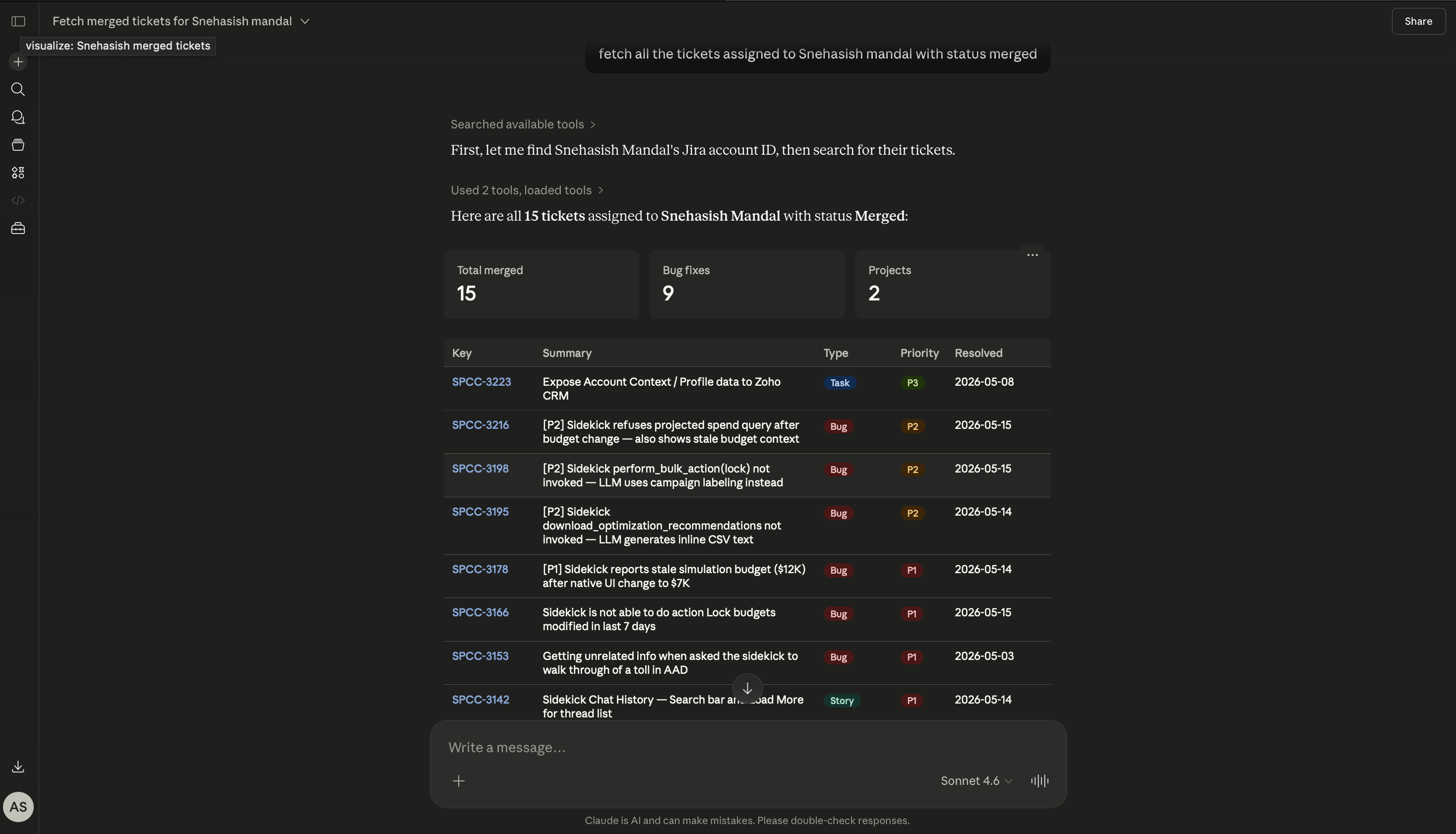
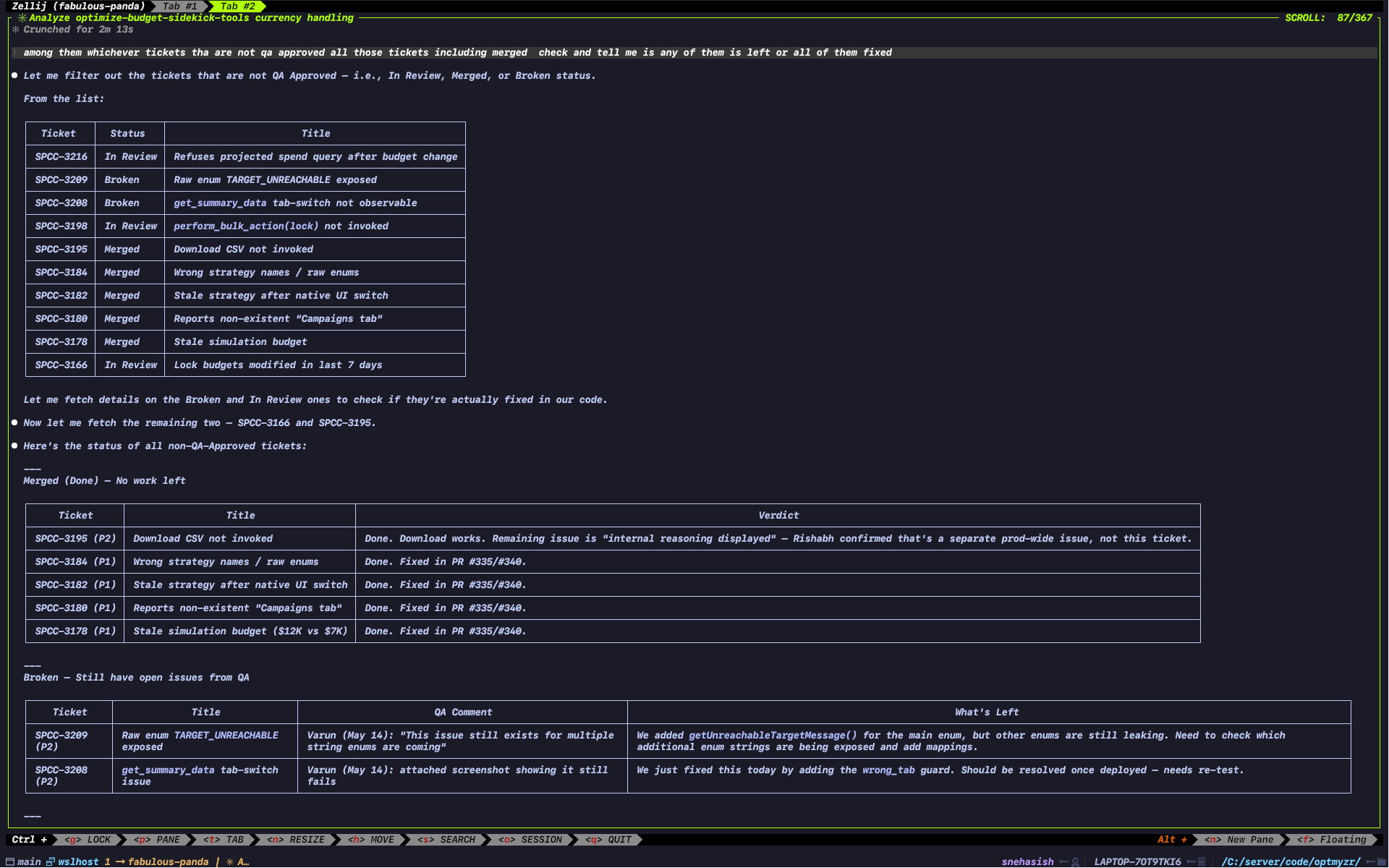
Three steps. Then just type.
J-Assist is a Model Context Protocol server. It exposes Jira to Claude as 51 typed, scoped actions — including bulk operations and Product Discovery (JPD) insights — not a hand-rolled prompt and not a screen-scraper.
Sign in with Google.
Authenticate with your Optmyzr Google Workspace account. J-Assist provisions a workspace, picks up your team, and respects SSO.
Authorize via Jira OAuth.
One click. J-Assist redirects you to Atlassian, you approve scoped read/write access, you're back — 51 tools provisioned against your instance. Add more instances anytime.
Paste the URL into Claude.
In Claude.ai or Claude Desktop, open Settings → Connectors → Add custom and paste the J-Assist URL. That's it. On Claude Code (Windows / Linux / macOS), one curl wires it up. See the Claude Code guide →
Every Jira move Claude can make, with a name.
Each tool is a typed JSON-RPC call — predictable, scoped to your permissions, and logged. Group below to filter.
Your data. Your scopes. Your audit trail.
J-Assist runs as an MCP server in Optmyzr's hardened cloud. We're a passthrough — not a copy.
Google Workspace SSO only.
Sign-in via your @optmyzr.com Google account. No passwords, no shared secrets, no API keys floating in a desktop config.
Scoped OAuth, not write-everything tokens.
Per-instance scopes are visible at install. Connect read-only first, expand to write when you trust it. Revoke from one panel.
Per-action audit trail.
Every tool call is logged with the caller, the arguments, the result, and the duration. Export to your SIEM via webhook.
Dry-run for any write.
Bulk transitions, label rewrites, batch comments — preview the diff, confirm once, execute. Roll back from the audit log.
Stop tab-hopping.
Just ask Claude.
Sign in with your Optmyzr Google account. Connect Jira in 30 seconds. Have your first conversation with your backlog today.